


Fire Map NSW

If you live in New South Wales (NSW) or travel there knowing where fires are, how dangerous they are, and how to prepare can be critical for your safety. The NSW Fire Map tools and services give you real-time and official information straight from emergency services.
What the NSW Fire Map Shows

The NSW Fire Map displays:

  • Active bush and grass fire locations

  • Warning levels for each incident

  • Areas affected by fire and hazards

  • Updates from official fire authorities in NSW
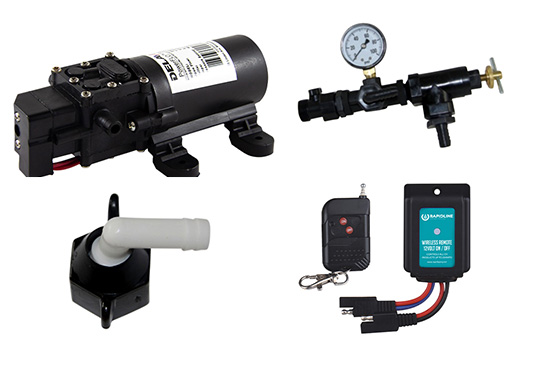
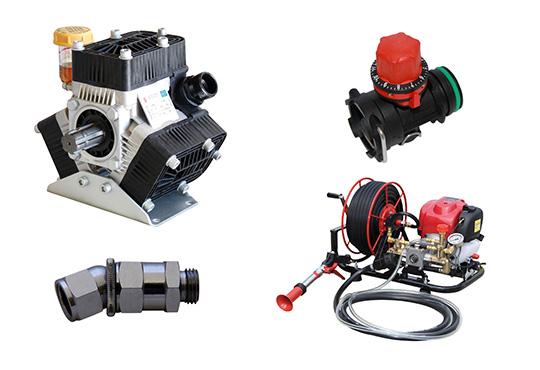
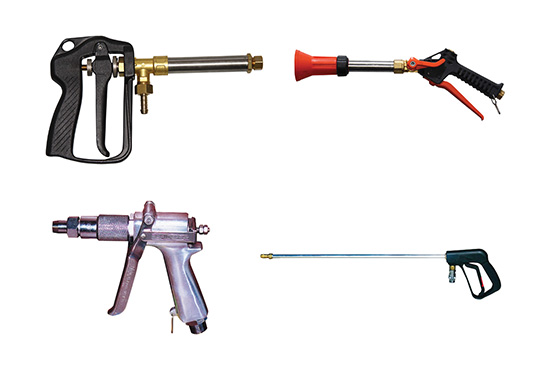
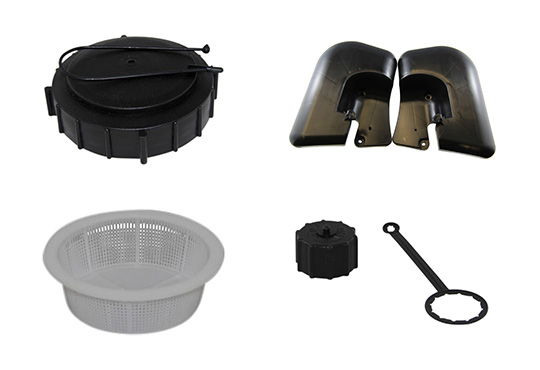
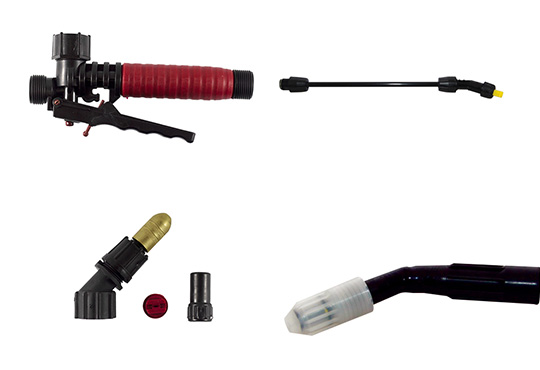
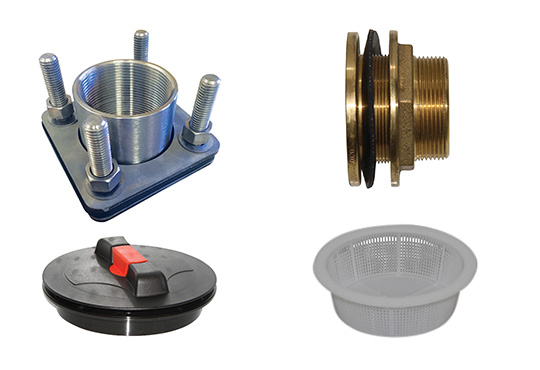
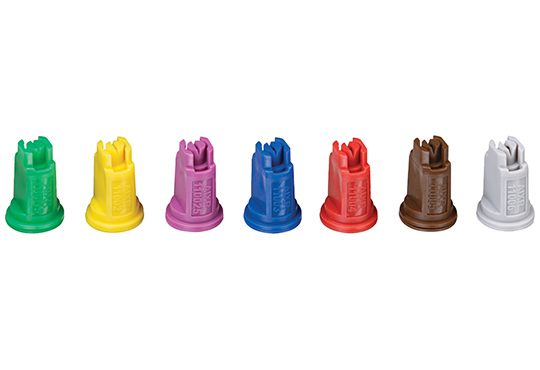
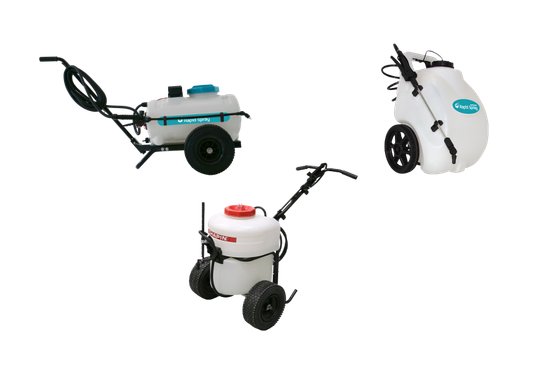
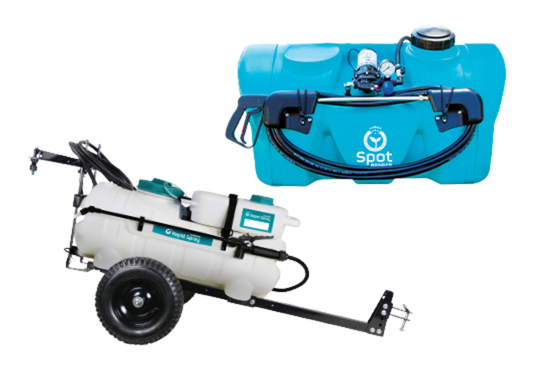
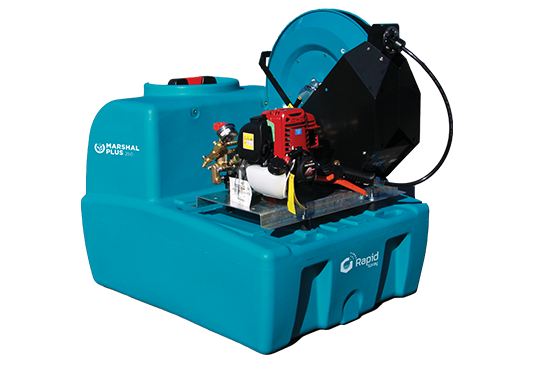
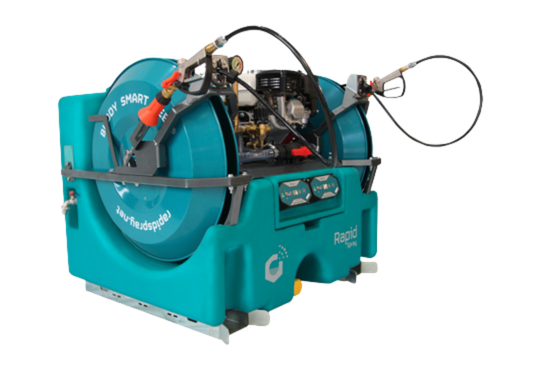
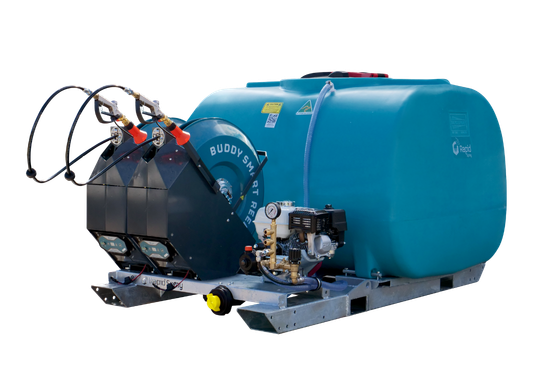
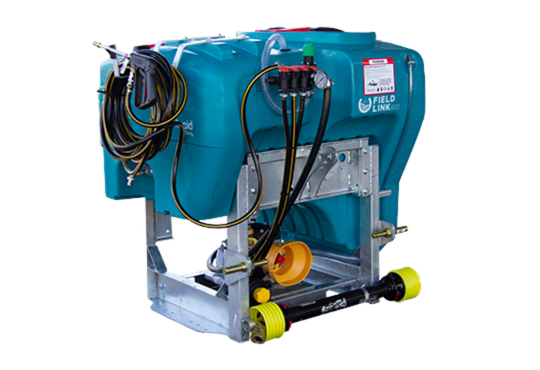
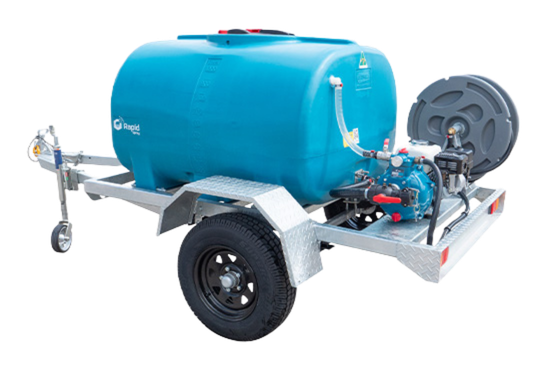
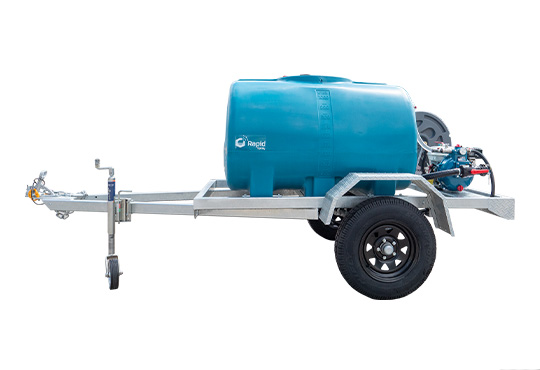
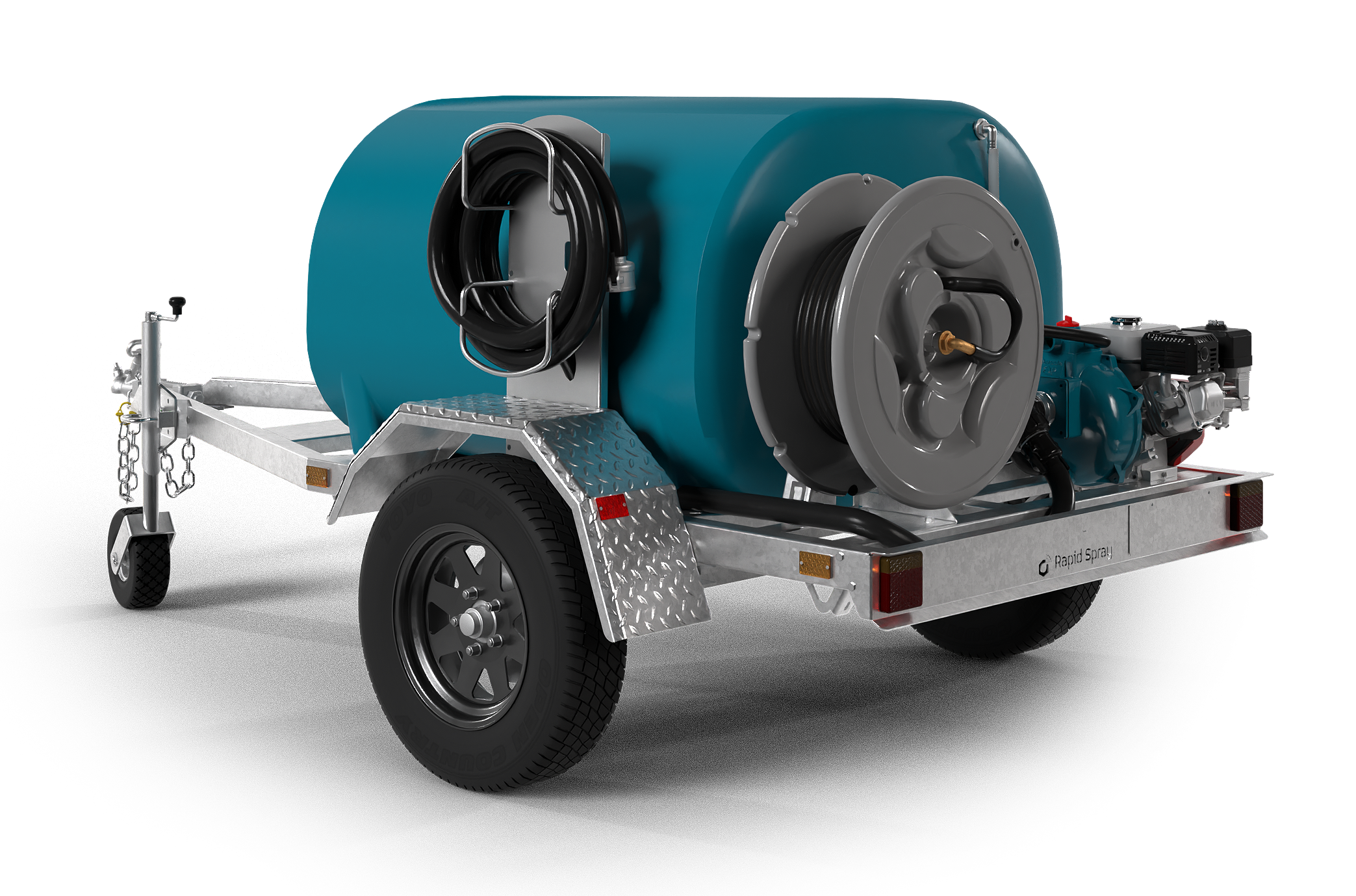
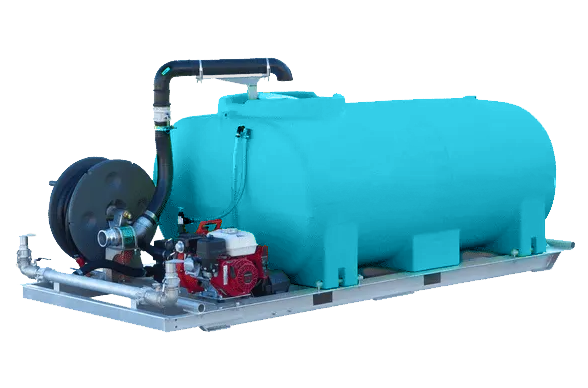
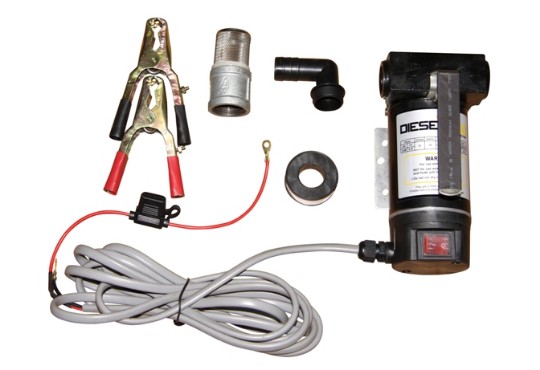
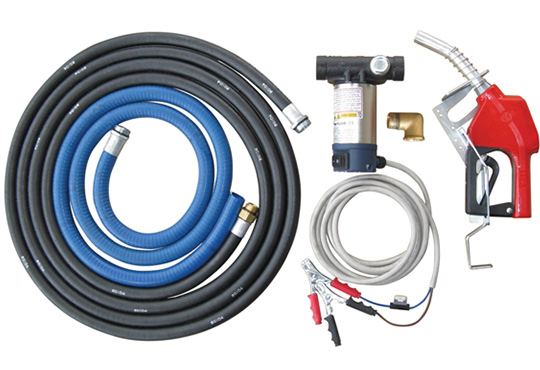
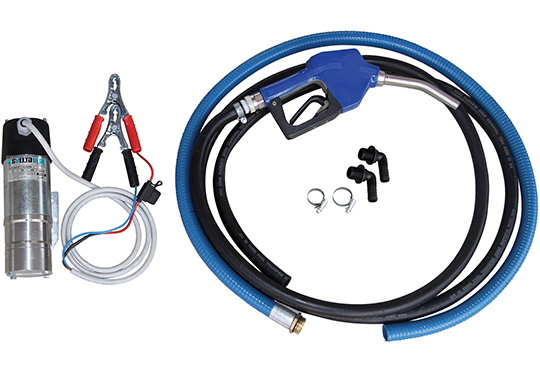
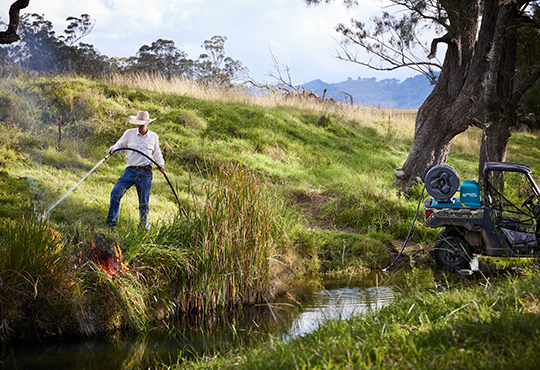
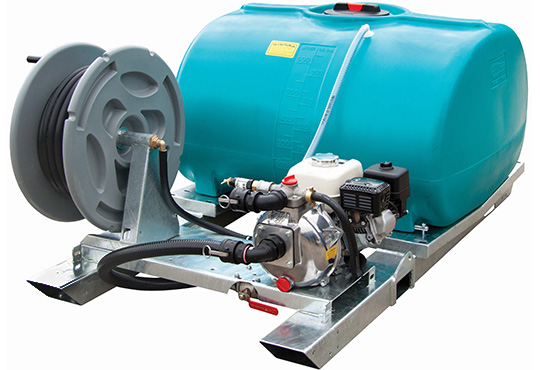
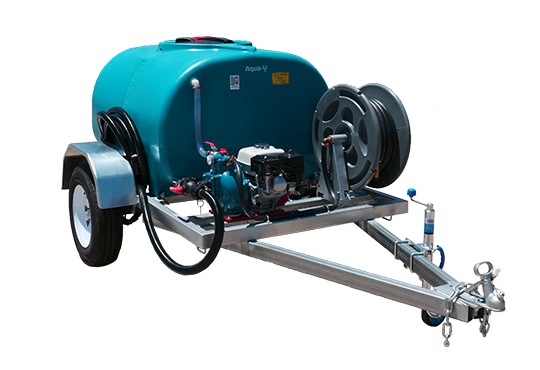
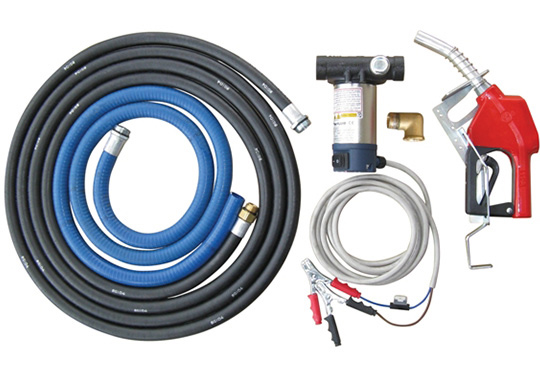
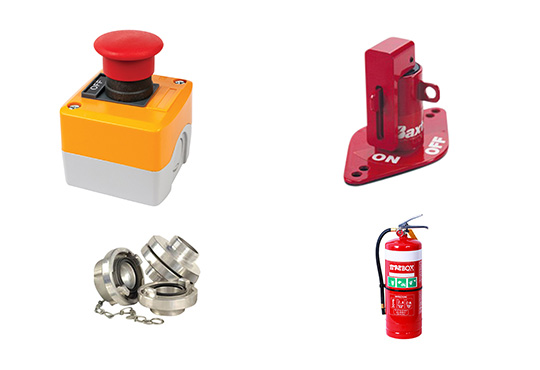
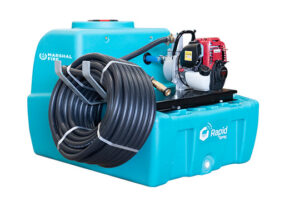
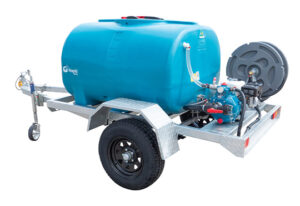
This isn’t just a static map it’s connected to live incident data so you can see where fires are as they’re being reported. Keep in mind that if you live near bushland or farmland that is vulnerable to fires, check out our Fire Fighting Equipment to help protect your property.

fire map nsw

fire map nsw


Official Tools to See Fires Live

Fires Near Me – Official NSW RFS Map

The NSW Rural Fire Service (RFS) runs the official fire incident map for NSW. Here’s what it does:

  • Shows current fire locations and fire zones

  • Lets you click on incidents for more details

  • Provides the warning status for each fire

  • Zooms in to street and regional level view

  • Updated regularly by the NSW RFS

👉 You can access it here: NSW RFS Fires Near Me map View Here

Apps to Get Fire Alerts on Your Phone

Fires Near Me / Hazards Near Me NSW

The official Fires Near Me app now renamed Hazards Near Me NSW gives:

  • Real-time fire location & warning levels

  • Alerts for bush fires in your area

  • Custom watch zones (set locations you want alerts for)

  • Information from NSW RFS and other emergency services

You can download it on iPhone or Android ideal if you want push notifications or are traveling around fire-risk regions.

Understanding Fire Danger Ratings

The NSW RFS also uses the Australian Fire Danger Rating System which helps you interpret what the map means for your area:

RatingWhat You Should Do
ModeratePlan & prepare
HighBe ready to act
ExtremeTake action to protect life & property
CatastrophicLeave fire-prone areas immediately

This rating is separate from the map, but often displayed alongside fire maps and warnings so you know how urgent conditions are in your region.

How to Use the NSW Fire Map (Step-by-Step)

  1. Open the Official Map
    Use the NSW RFS “Fires Near Me” interactive map online it’s the most accurate source.

  2. Zoom to Your Area
    Narrow the view to where you live or plan to travel.

  3. Click on Fire Icons
    Each fire shows the status Advice, Watch & Act, Emergency Warning so you know how serious it is.

  4. Check Fire Danger Ratings
    Separately check fire danger ratings for your local region to see if conditions are worsening.

  5. Set App Alerts
    If you want live alerts, download Hazards Near Me NSW and set watch zones around your town or property.

 
IconTitleKey factLink
🔥Black Summer Fires5.5 million hectares of NSW burnt in 2019–20Read more
📊Fire Intervals62% of vegetation is under pressure from too much burningRead more
☁️Fire-Generated Storms50% increase in thunderstorm activity during Black SummerRead more
📍Fire Map CoverageAll regions of NSW shown on interactive fire mapView map
PROUDLY AUSTRALIAN MADE!
*Made from Australian and Imported Componentry